
Availability: This feature is included at no extra charge in the eSign PRO and eSign PREMIUM plans.
Step-by-Step Guide
- Go to your documents list
Navigate to your document dashboard (active or completed/archived documents).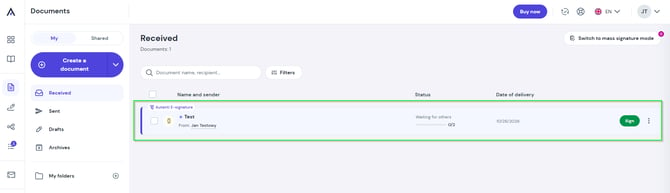
- Open the actions menu
Locate the document you want to copy and click the three dots icon next to it.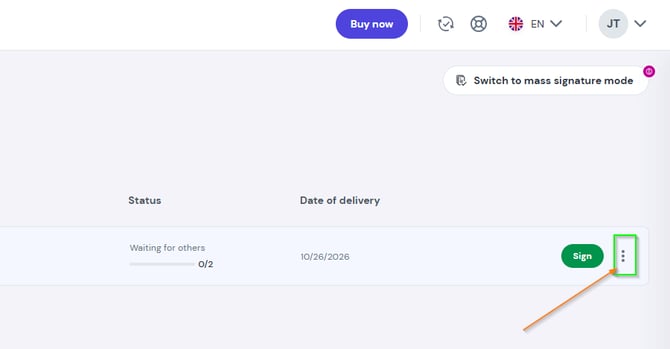
- Select the duplicate option
Choose Duplicate from the dropdown menu.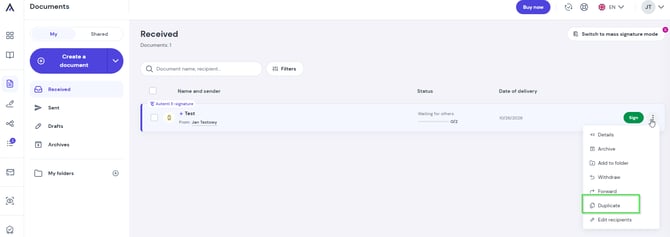
- Customize and send
The editor will open with all preset fields and configurations intact. Here, you can:- replace the document file with a new version while keeping the field layout,
- update or change the recipient list,
- make final adjustments and launch the signing workflow in one click.