
How to update billing details and payment methods?
- Go to Settings and select the Payments tab.
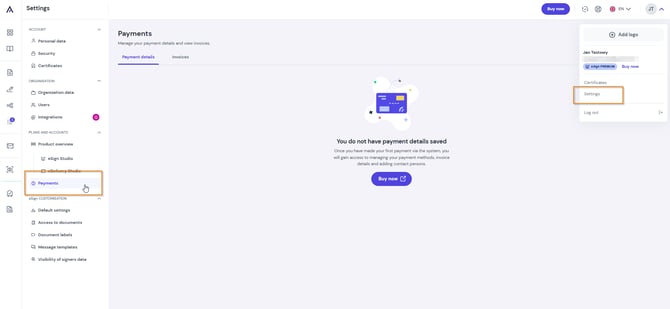
- Open the Payment Details section.
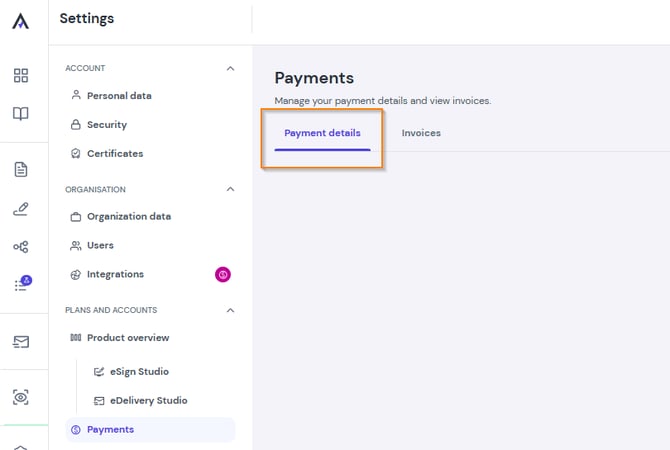
In this section, you can edit:
- Invoice details: Updates apply only to future invoices and will not change past accounting documents.
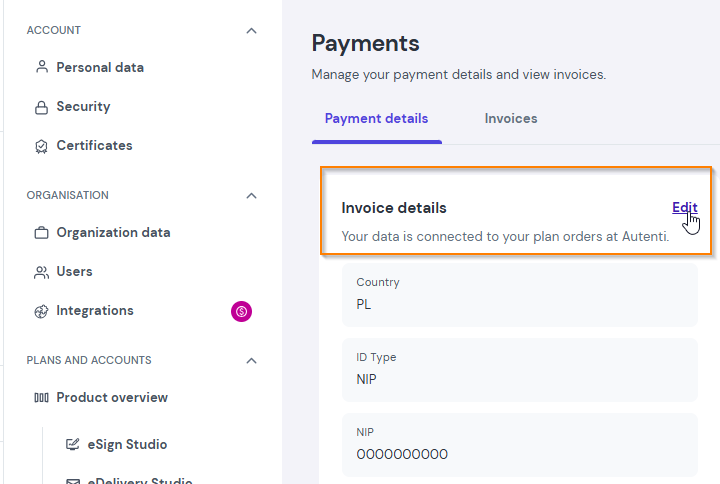
- Default currency: Your preferred billing currency.
- Payment method: Click Manage under Payment Method Management. You will be redirected to the secure Chargebee payment portal to add a new card or update your existing one.
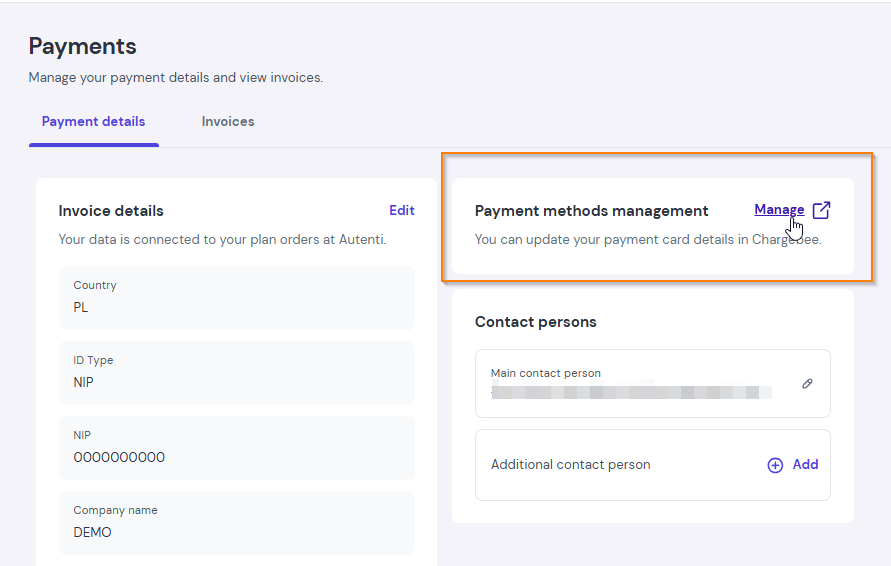
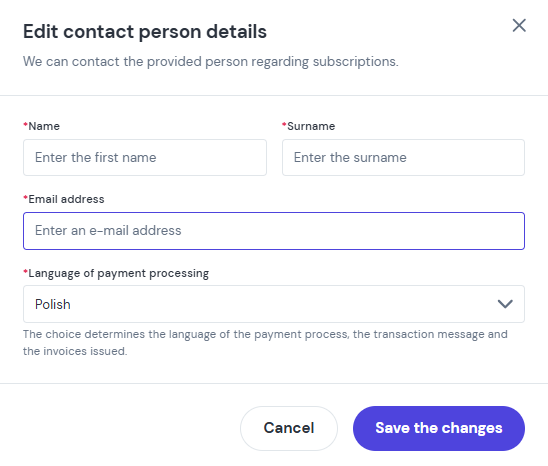
- Contact persons: Add or update email addresses designated to receive billing notifications.
Where to find invoices?
All previously issued accounting documents are located under Settings > Payments > Invoices. You can preview or download them to your computer at any time.