If you are the sender:
You can check the full list of recipients and their signature status at any time directly from your Autenti account (in the document details view).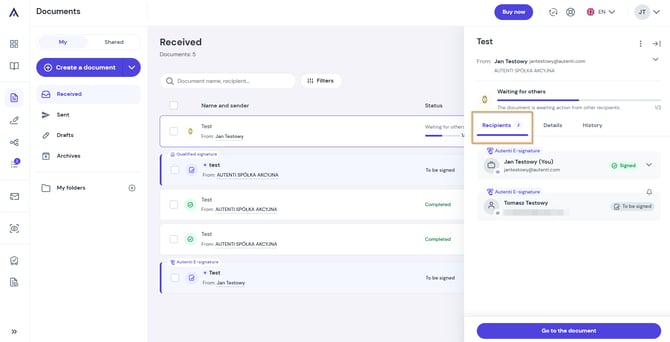
If you are a recipient:
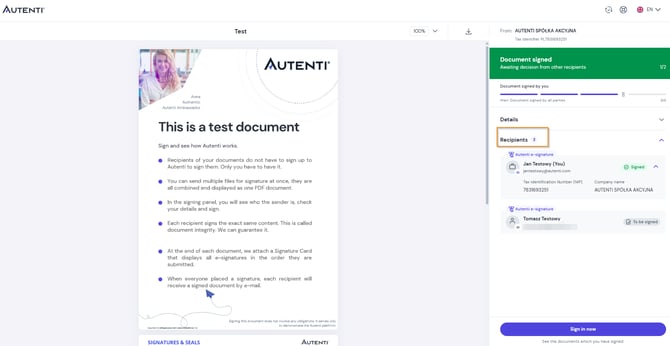
- Open the email notification about the document and click the View and sign document button.
- Once redirected to the signing page, you will find the list of other recipients in the Recipients section on the right side of the screen.