Downloading a document from the Autenti platform
- Go to your documents list
Log in to your Autenti account and navigate to the Documents section.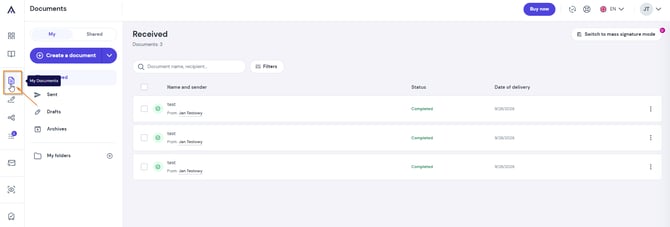
- Select the file
Click the document you wish to download to your computer or mobile device.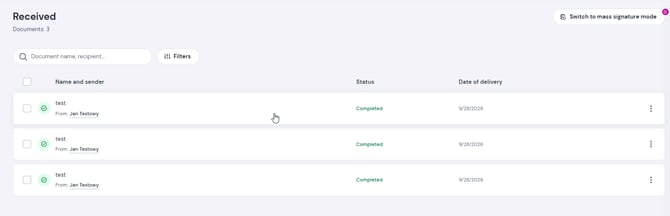
- Download the document
Click the Download the document button located in the bottom right corner of the screen.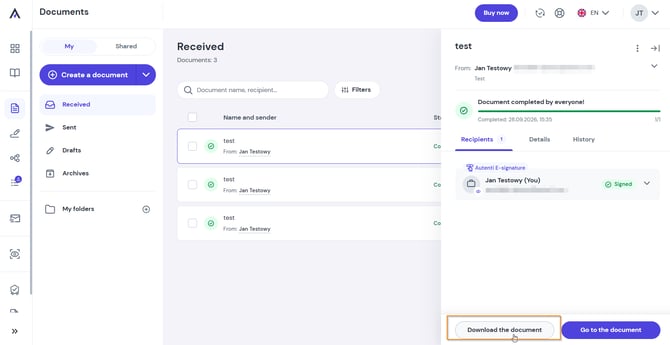
- Done! The signed document has been saved to your device.
Downloading a document from an email notification
You can also download the signed file without logging in to the platform:
- Open the email notification from Autenti confirming that the document signing process is complete.
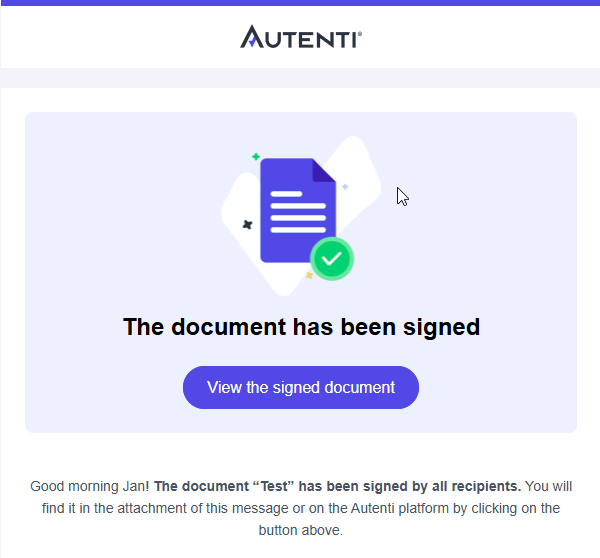
- Scroll to the attachments section at the bottom of the email.
- Download the PDF file containing the finalized and signed document.