
You can generate codes yourself while logged in, or request help from your organization's Super Administrator if you are locked out.
Generate backup codes by yourself (logged-in user)
Any organization user can generate a set of one-time backup codes at any time:
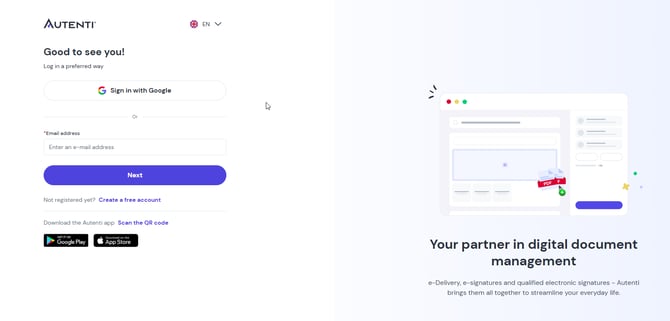
- Log in to your account.
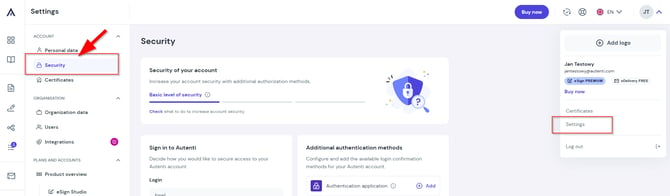
- Open Settings, then navigate to Security.
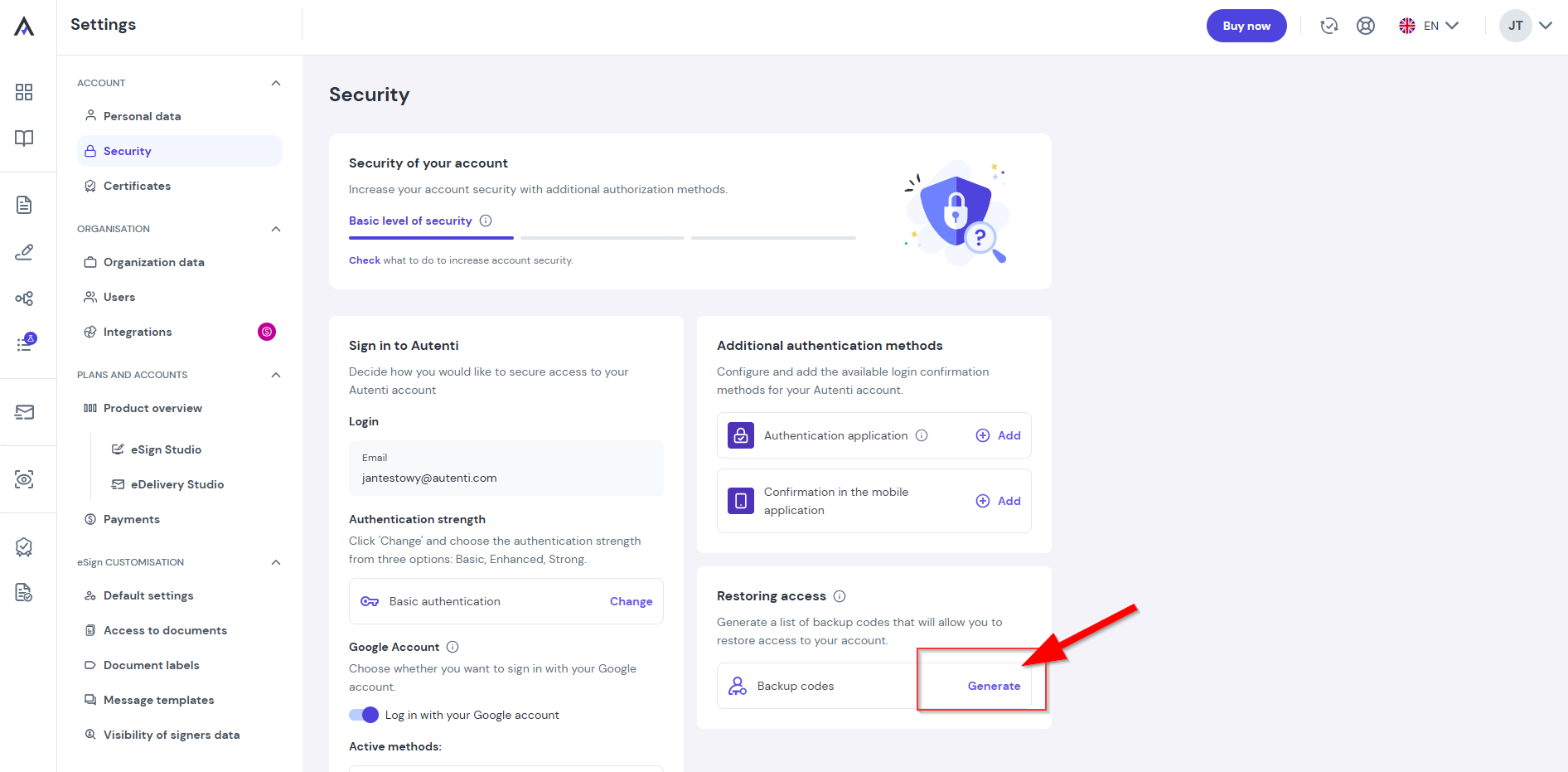
- Under the Restoring acces section, select Generate.
- Copy or download the generated list of codes.
- Save or print them and store them in a secure place (such as a password manager).
Important rules for backup codes:
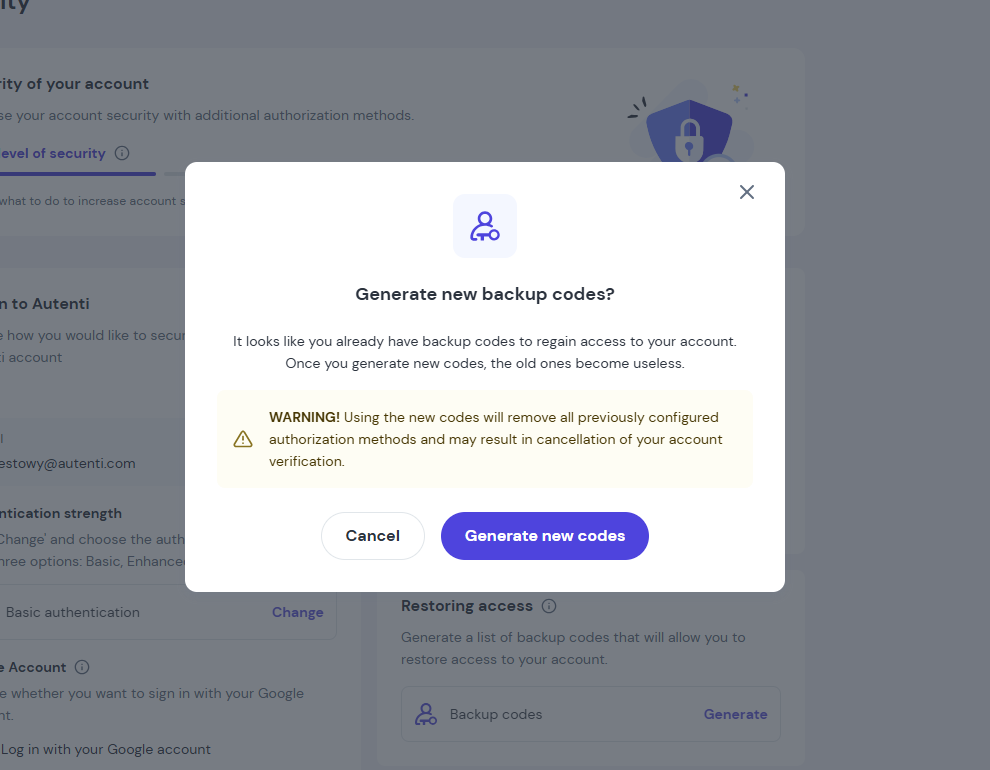
- Always use the newest codes: Generating a new set automatically invalidates all previous codes (including any unused ones).
- Single-use only: Each code on the list can be used only once.
Super Administrator assistance (when locked out)
If you are locked out of your account and do not have your backup codes available, contact your organization's Super Administrator.
Recommended action for the Super Administrator:
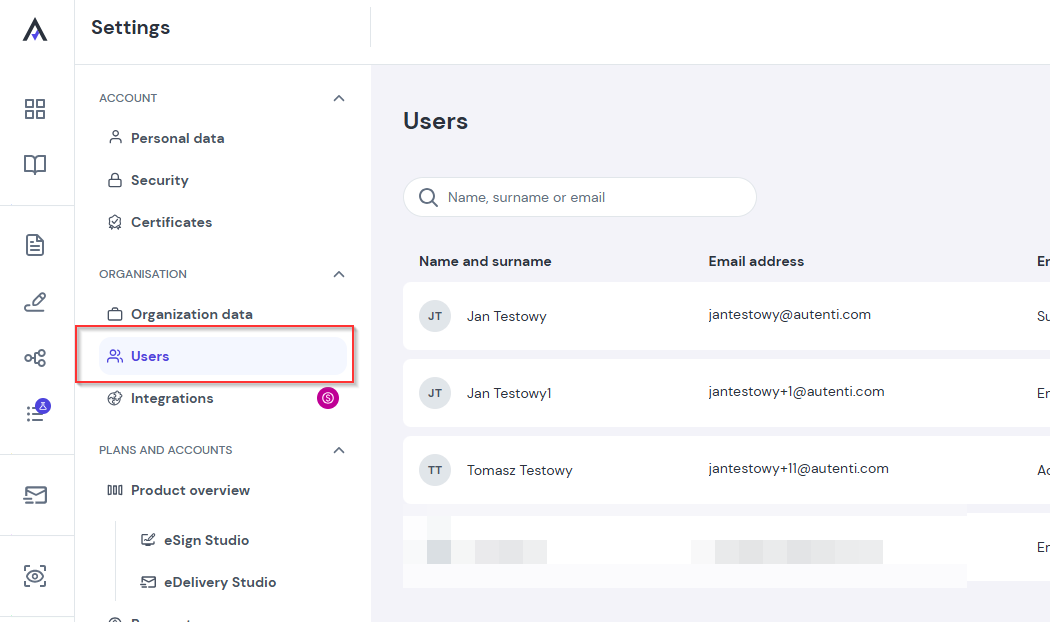
- The Super Administrator goes to the Users tab in the admin panel.
- Locates your account in the list.
- Clicks Regain access
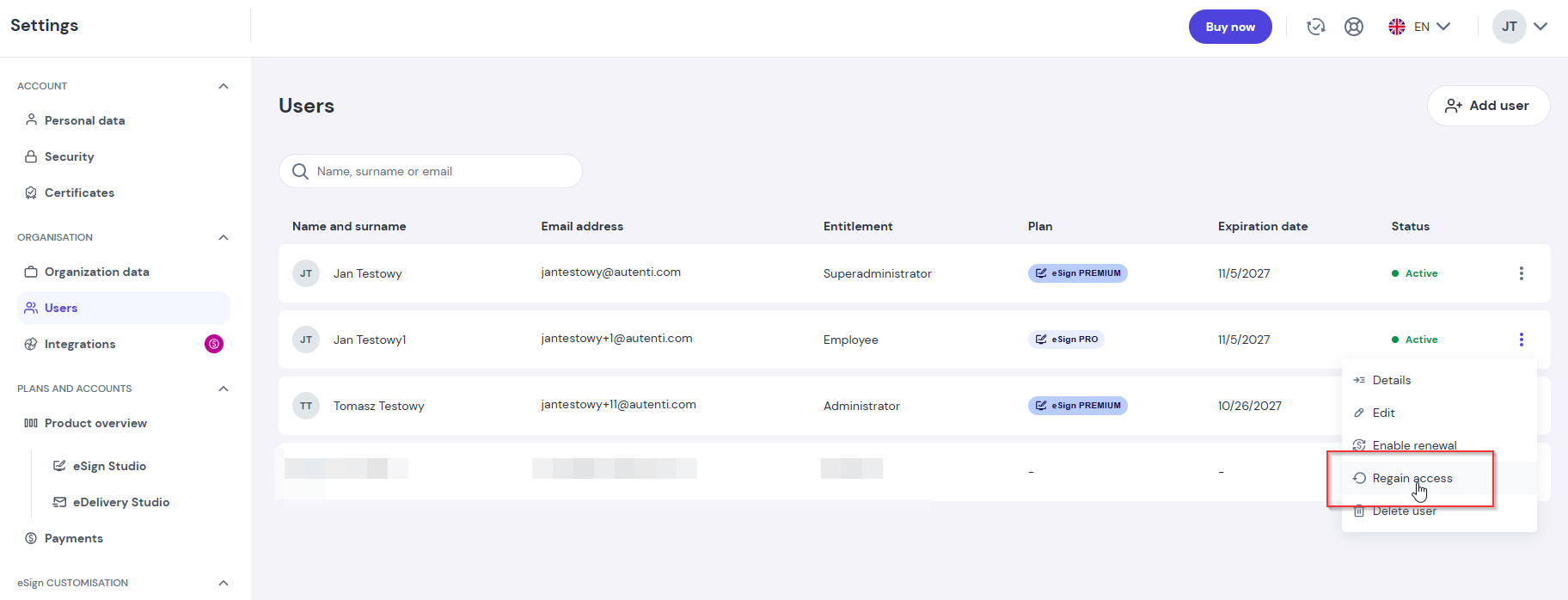
Why use Recover access?
Triggering this action immediately resets all existing authentication factors tied to your account. This allows you to immediately set up new verification methods upon your next login and generate a fresh pool of backup codes.