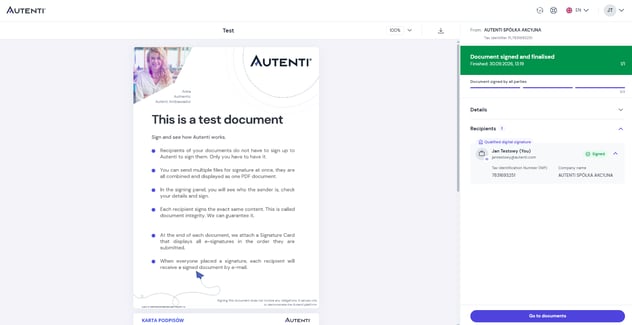
Step-by-step instructions
1. Open the document
Open the email message from Autenti and click the View and sign the document button to access the secure document preview.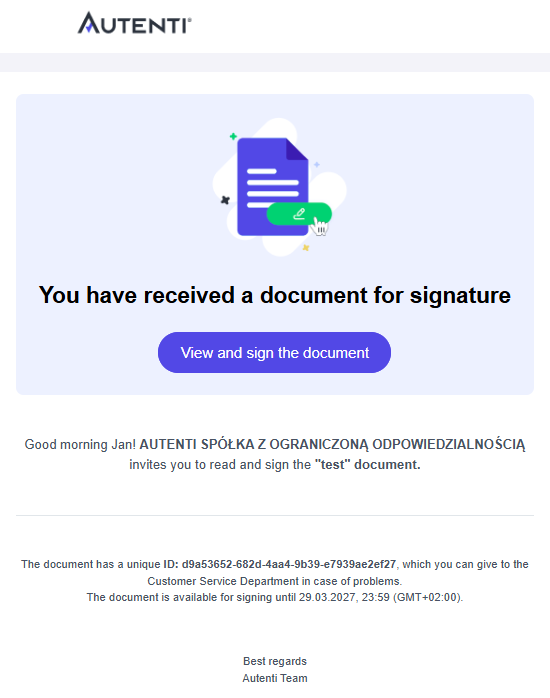
2. Select the signature option
Review the contents of the document, then select InfoCert Qualified Signature as your signing method.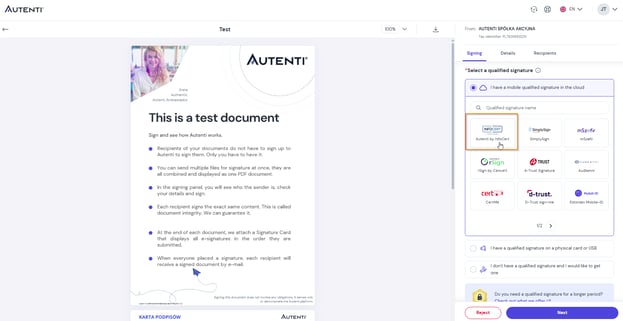
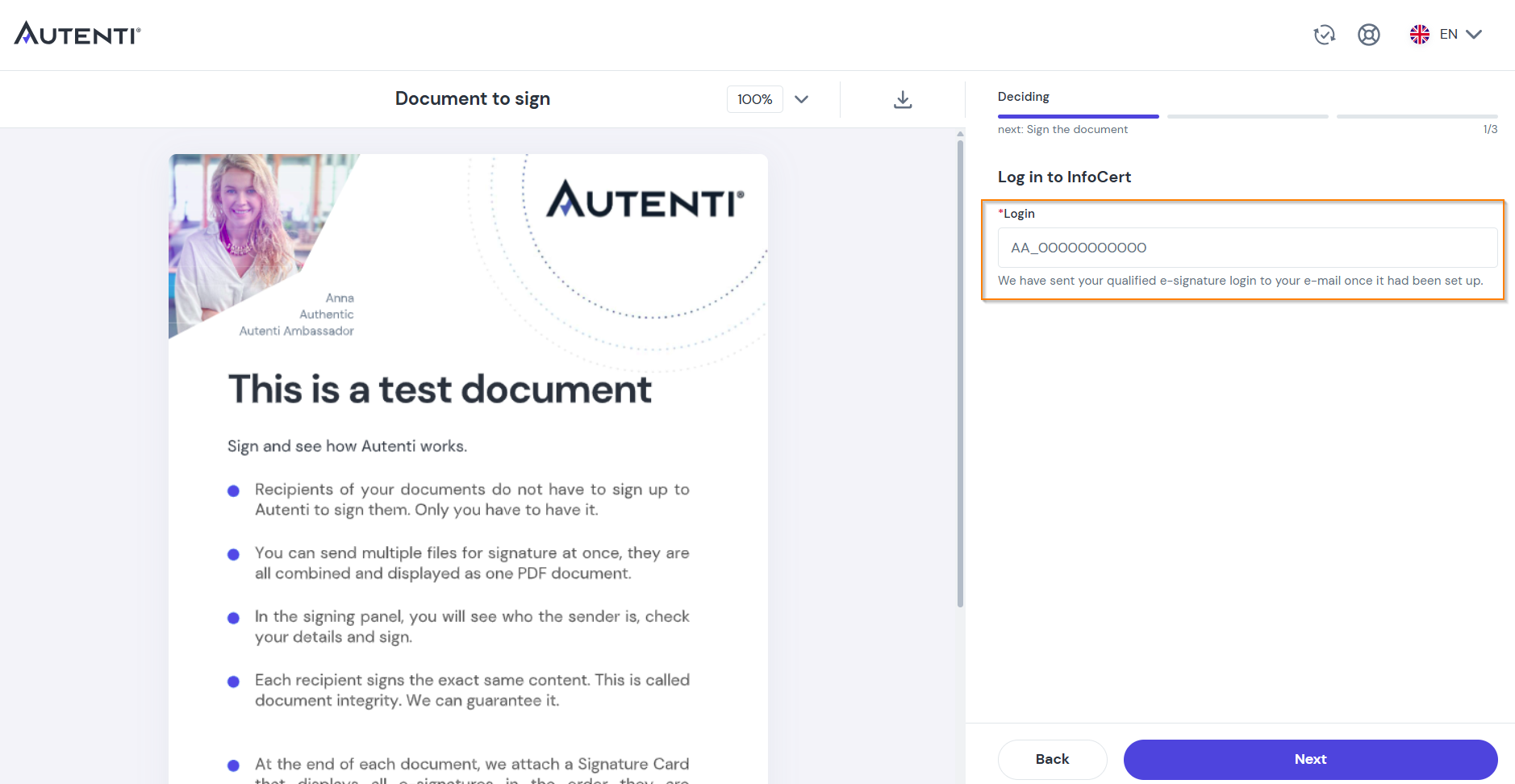
-
Enter your Login (found in the email received after identity verification).
-
Enter the one-time SMS code sent to your mobile phone number.
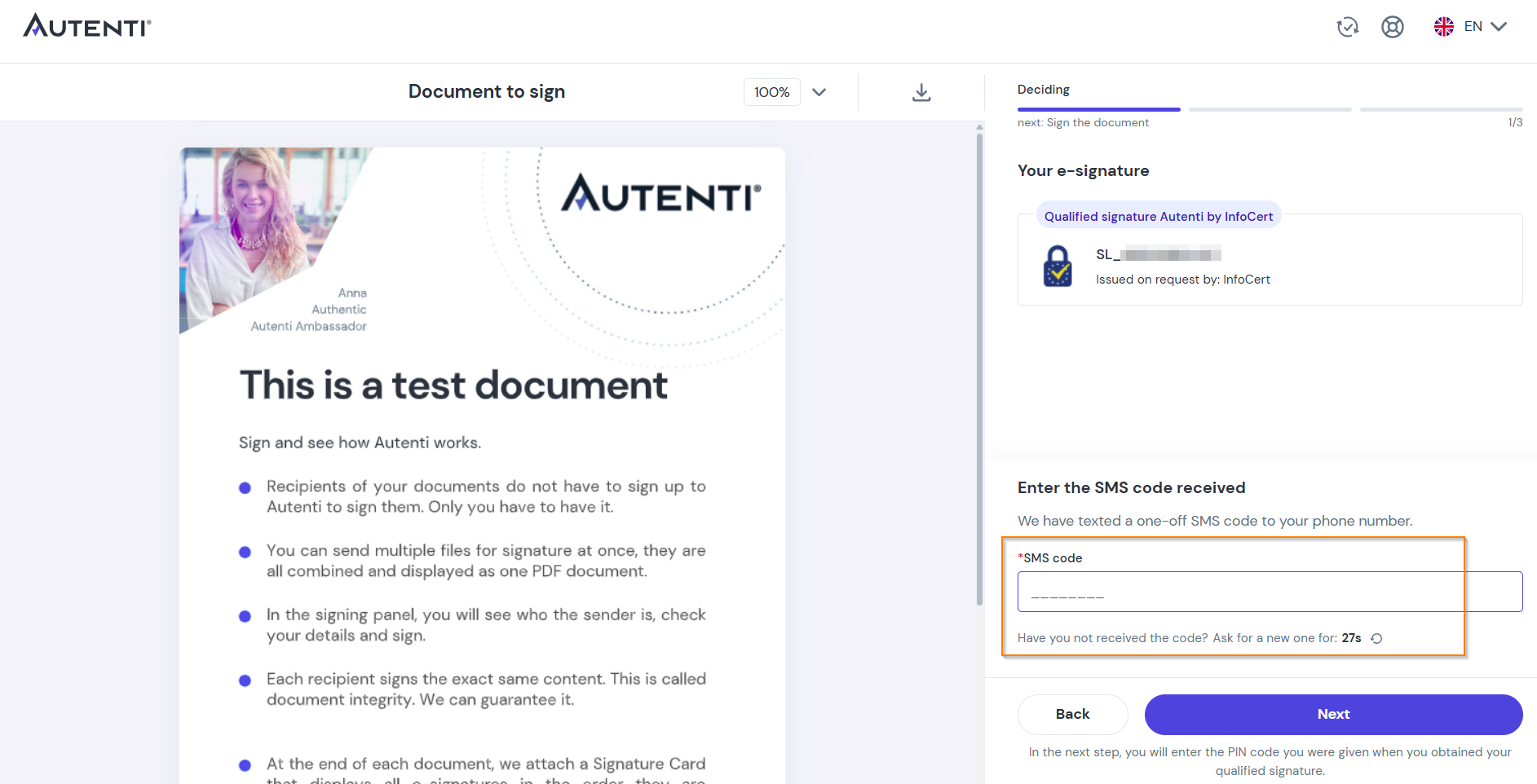
-
Enter your PIN code (set during the signature creation process).
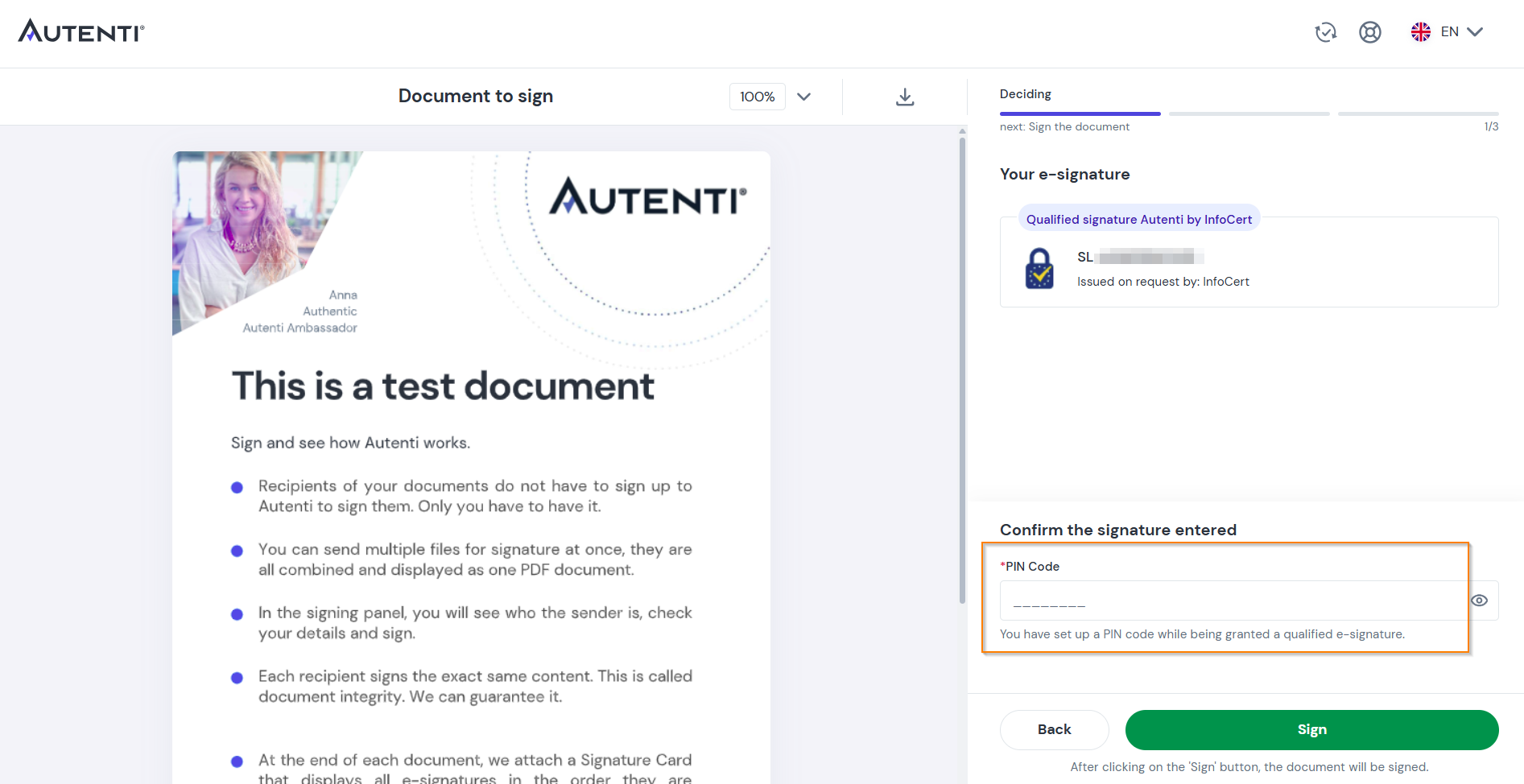
Click the Sign button. The document is now successfully signed and automatically encrypted.