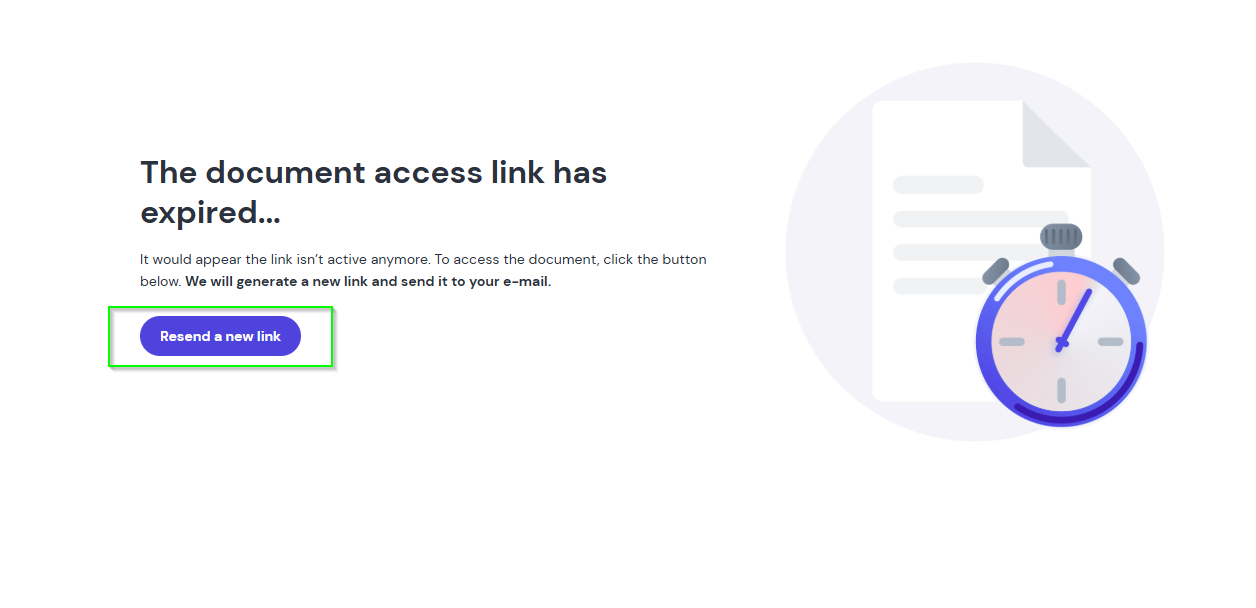
You can generate a new link yourself in just a few seconds:
- Open the expired link from your original email invitation.
- A message informing you about the expired access will appear on the screen. Click the Resend a new link button below it.
- Check your inbox-we will immediately send you a new email with an active link to the document.
- Click the link in the new email and proceed with signing.