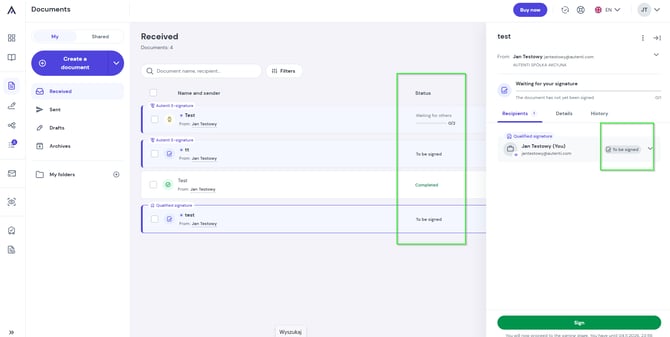
They allow you to quickly track which of your documents are:
- Pending signature - waiting for required signers to complete the document,
- Completed / Signed - successfully signed by all parties,
- Declined - rejected by a signer,
- Canceled / Withdrawn - recalled by the sender.
How to check individual signature statuses
- Go to your document list and click on the document you want to check.
- Detailed status updates for each recipient will appear in the panel on the right side of your screen.