
The platform will automatically generate the file in the XAdES format required by government systems.
How to sign a financial statement using Autenti Classic step-by-step?
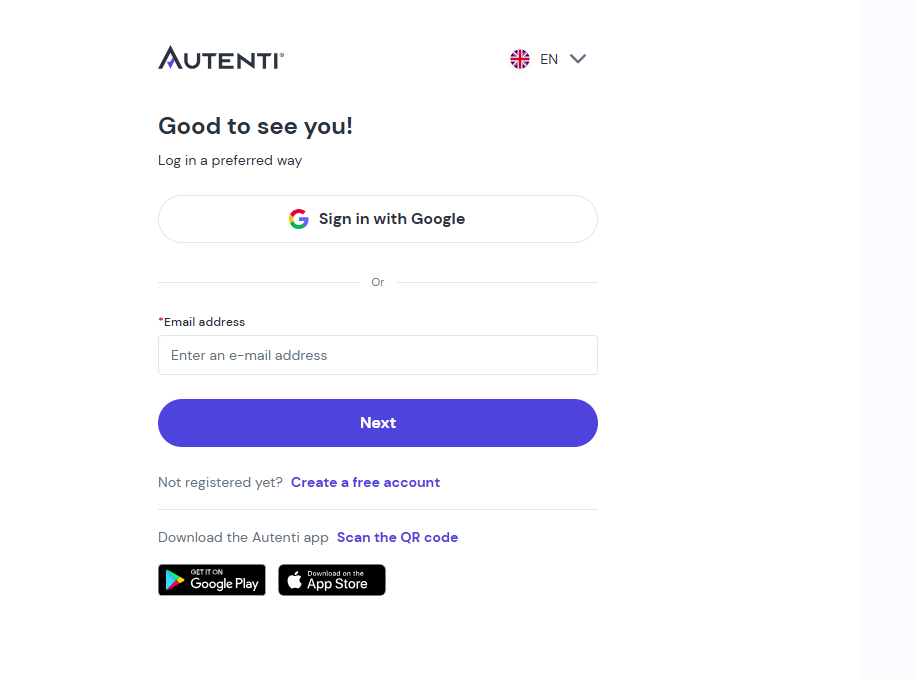
- Log in to your Autenti platform account.
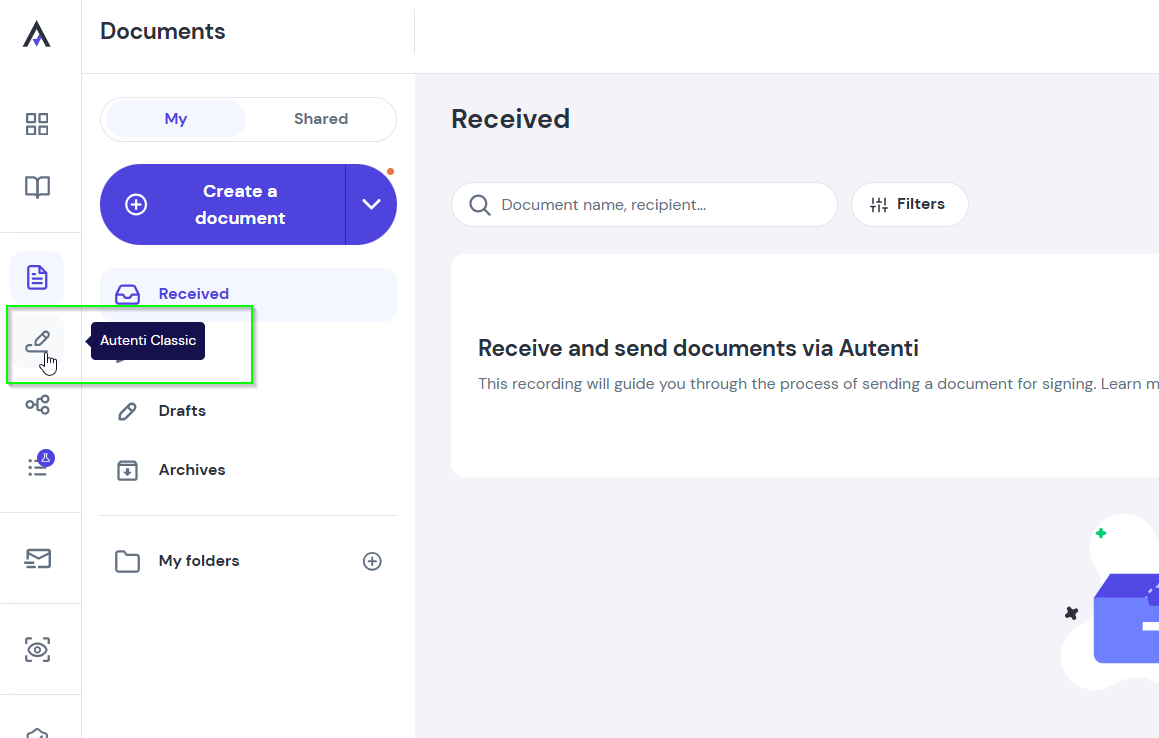
- Select Autenti Classic from the menu on the left side.
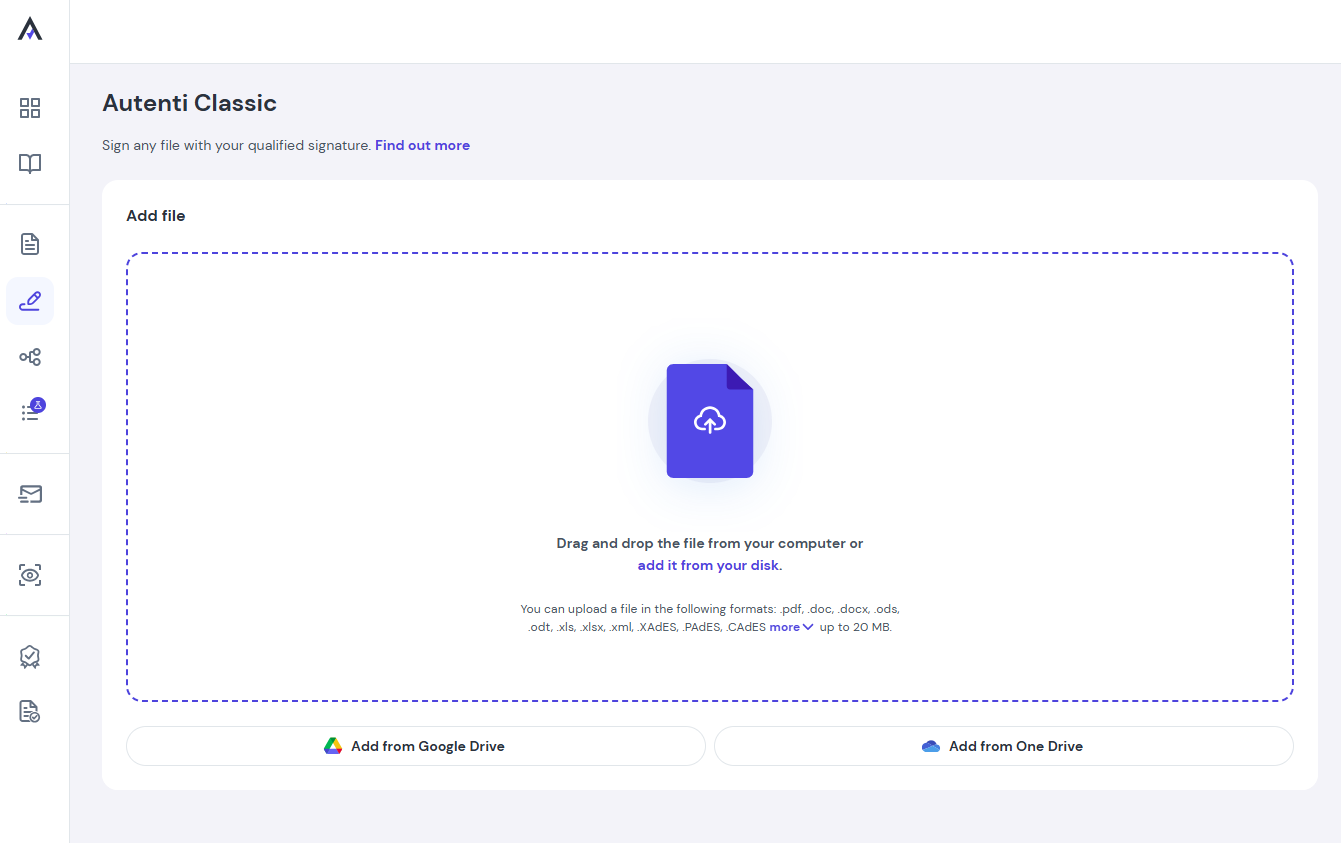
- Upload the XML file containing your financial statement from your computer.
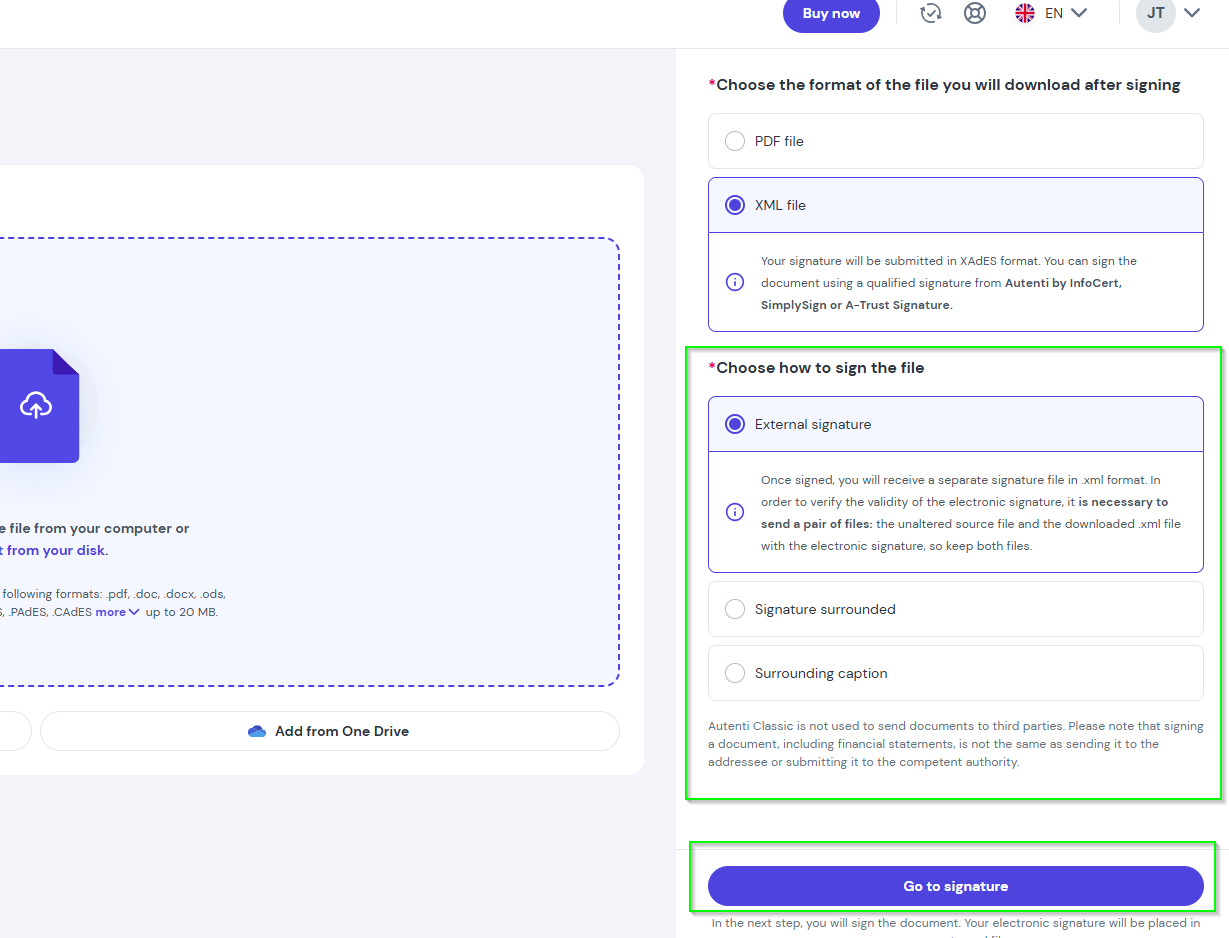
- Choose the desired file action and click Go to signature.
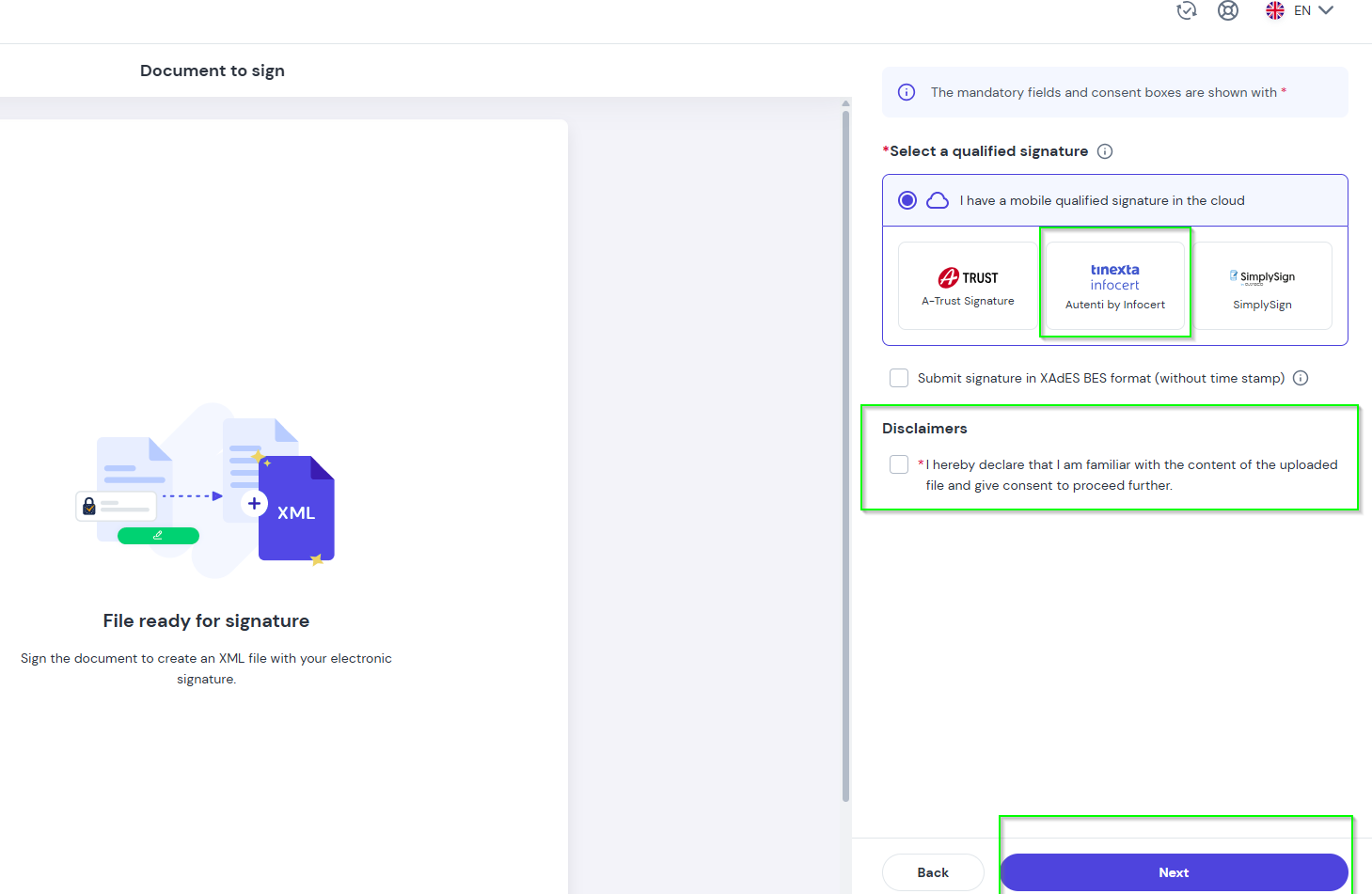
- Select Autenti by InfoCert as your qualified signature provider, check the required consents, and click Next.
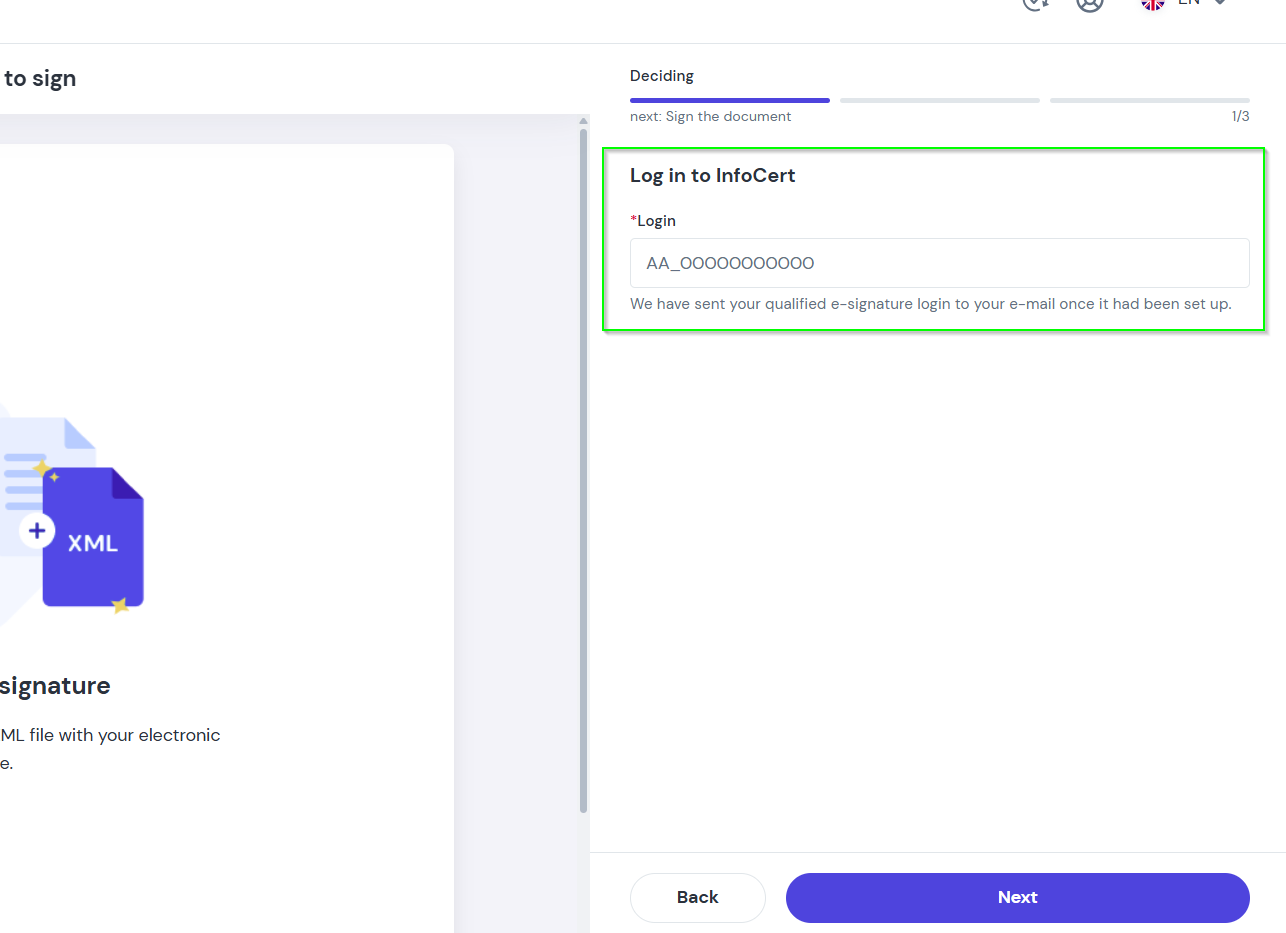
- Log in to InfoCert using your certificate username (sent via email during certificate issuance) and click Next.
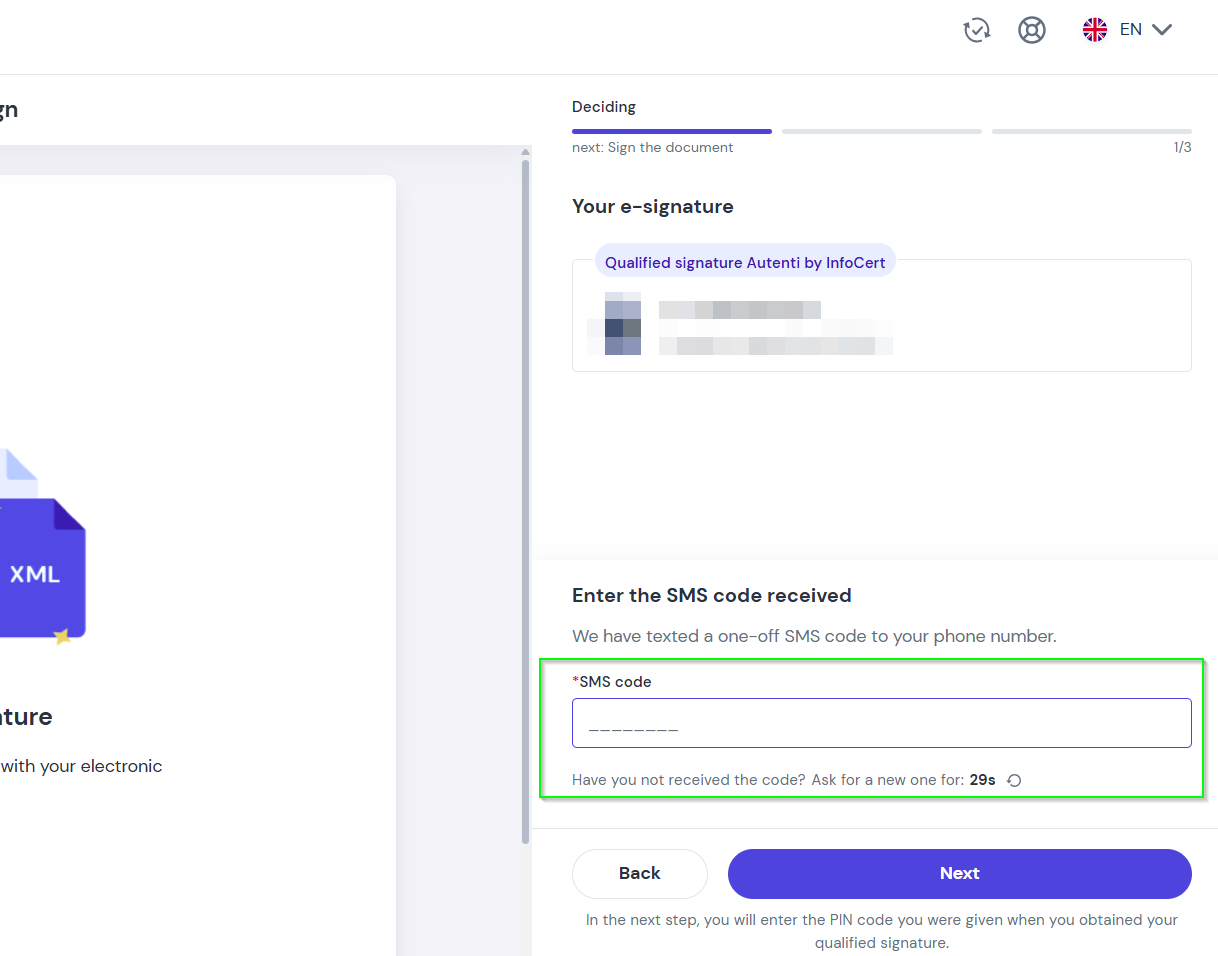
- Enter the one-time SMS code sent to your mobile phone and click Next.
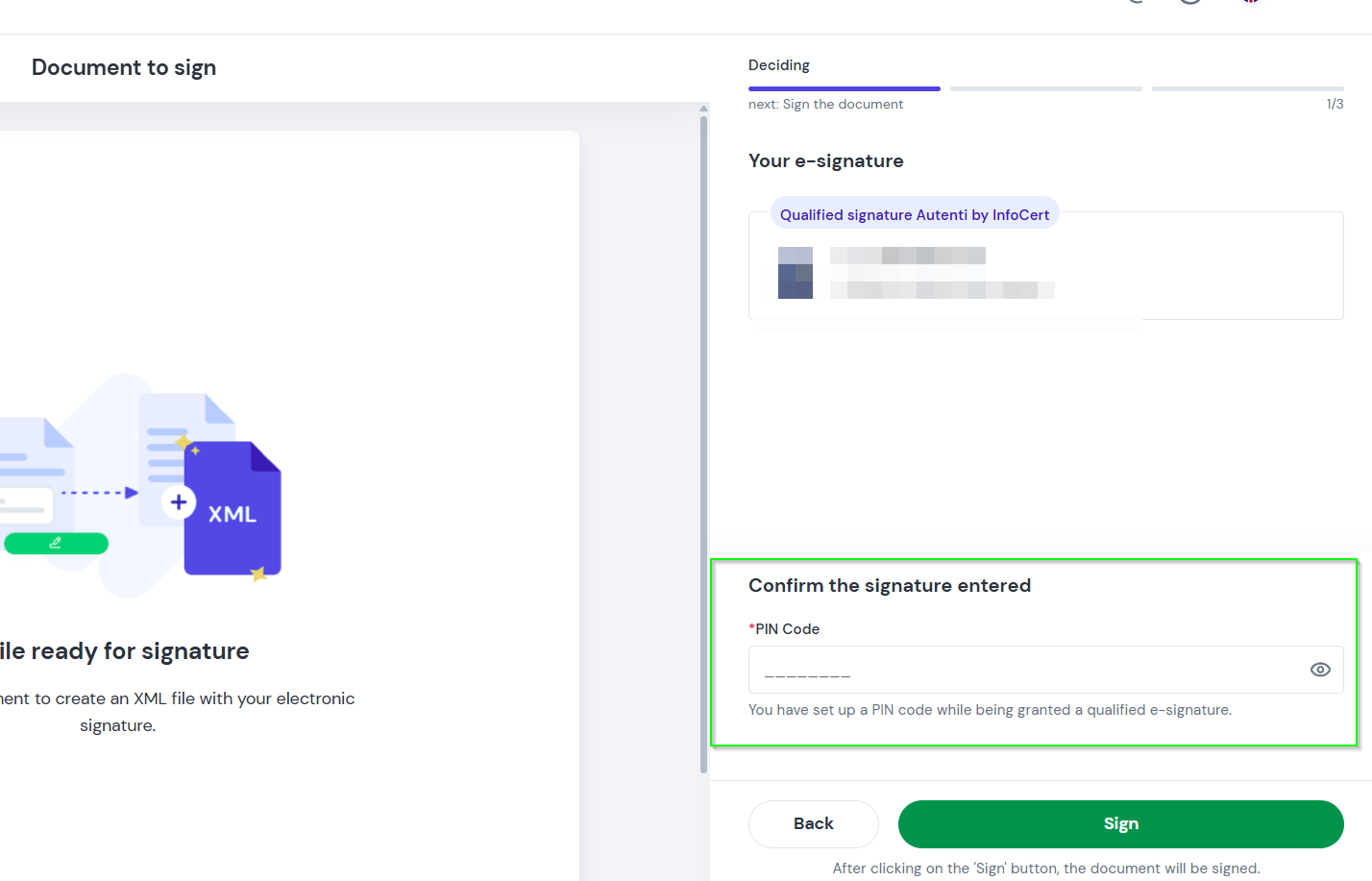
- Enter your PIN code (created during certificate issuance) and click Sign.
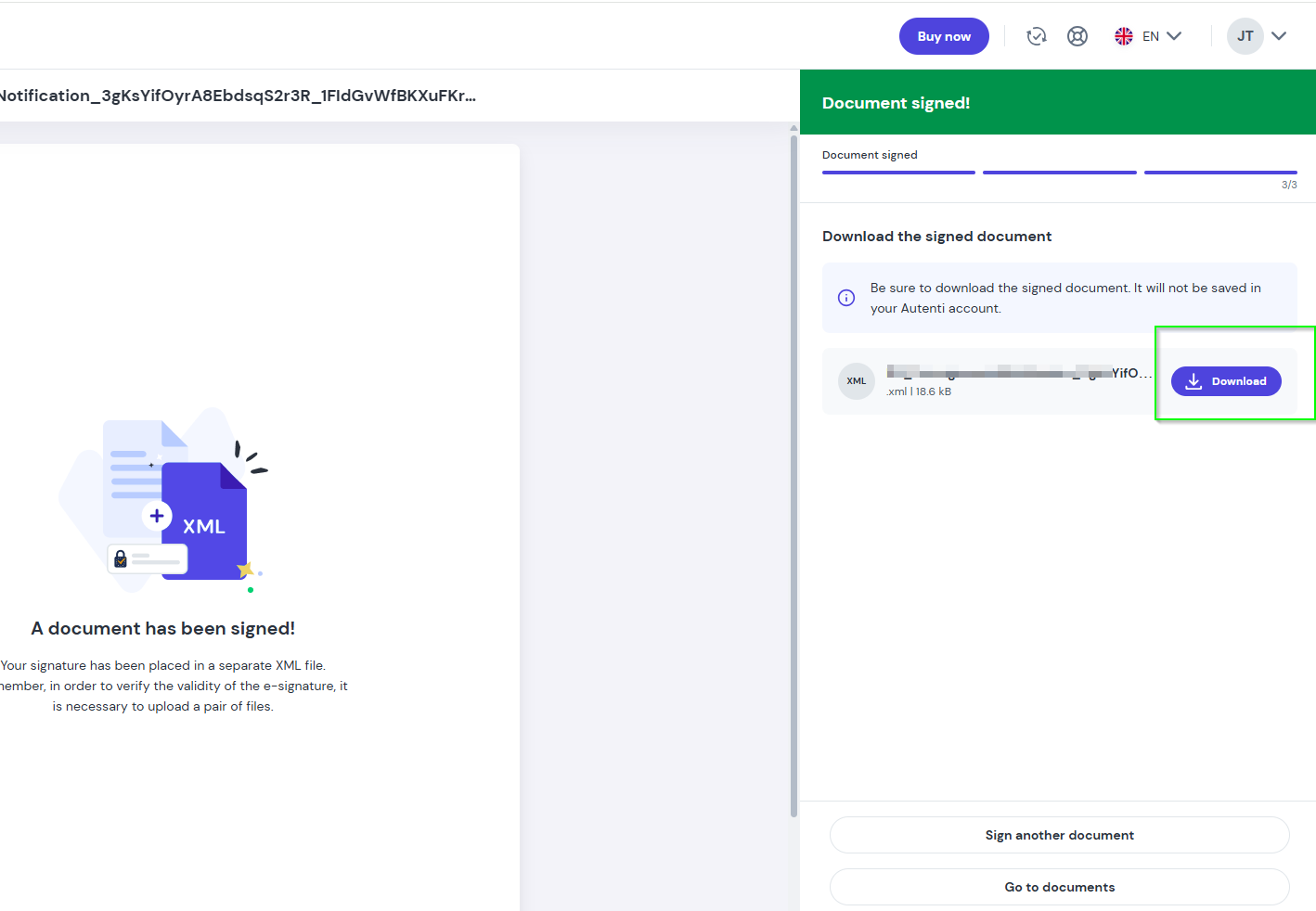
- Download the signed file to your computer.
How to submit the signed financial statement to KAS?
- Go to the official e-Sprawozdania government portal.
- Upload the signed file you downloaded from Autenti Classic.
- Follow the instructions on the government portal to complete the submission.