
Why Should You Use Interactive Forms?
- Save time when preparing documents.
- Stop typing data manually from one place to another.
- Avoid mistakes when entering recipient details.
Where Can You Use Interactive Forms?
Interactive forms make daily work easier across many teams:
- HR Departments: Collect data for contracts, amendments or personal questionnaires.
- Sales and Operations Teams: Handle order forms, sales agreements, or handover protocols.
- High-Volume Document Workflows: Perfect for any process where entering data manually takes too much time.
How to Go to the Interactive Forms Section
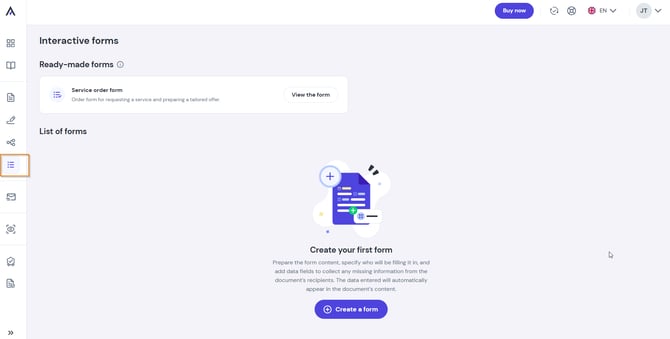
- Log in to your Autenti account.
- In the left menu, click the list icon – Interactive forms.
What Will You Find in the Section?
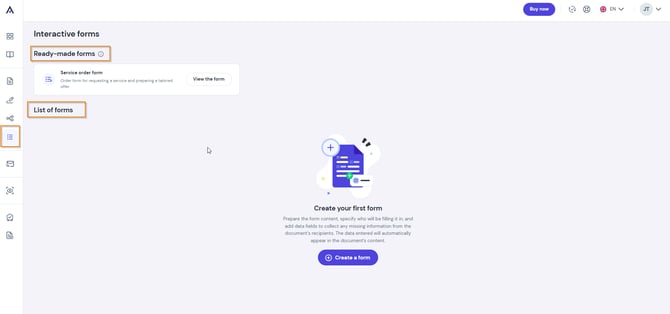
When you open Interactive forms, you will see two main views:
-
Ready-made forms: Sample templates prepared by Autenti. You can open and test them for free at any time to see how they work.
- Form list: The place where all the forms you created are saved.
Want to learn how to create your first interactive form step-by-step?
Check out our guide: [How to create an interactive form?]