
As long as a document is saved as a draft, you can resume editing and send it for signature at any time, or delete it if it is no longer needed.
How to edit or delete a draft?
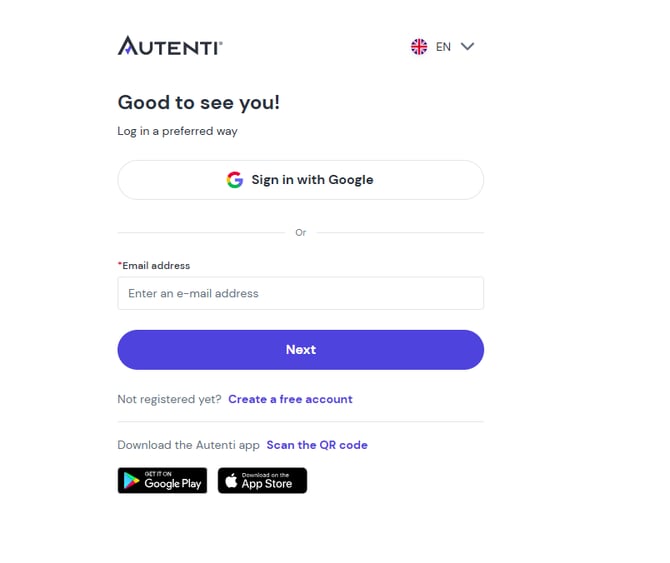
- Log in to your Autenti account.
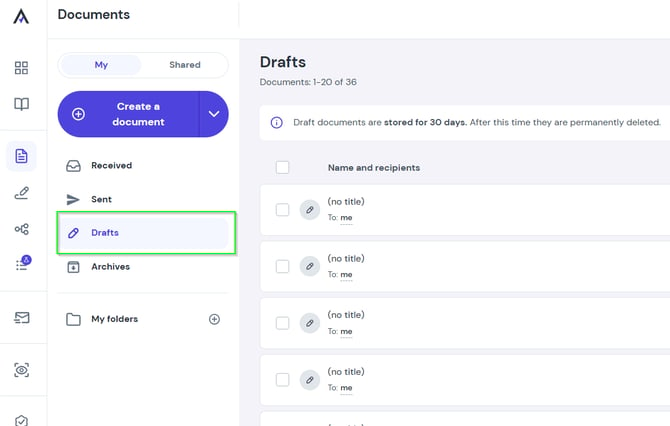
- In the left-hand side menu, go to the Drafts section.
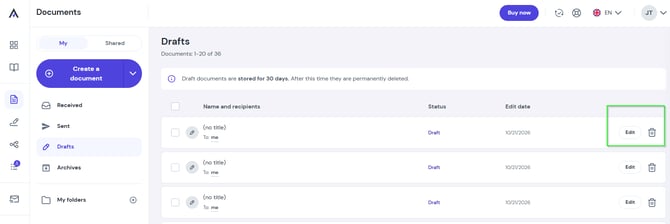
- Locate the document on the list:
- To continue editing - click the Edit button.
- To remove the document - click the trash icon.
⚠️ Important – retention period:
Draft documents are stored on the platform for 30 days. After this time, they are permanently deleted.