
Important: Submitting a negative review serves an advisory and informational purpose - it does not automatically block the workflow or prevent signers from signing the document.
Step-by-step instructions to review a document:
- Log in to your account on the platform.

- Go to your document list and select the document awaiting your review.
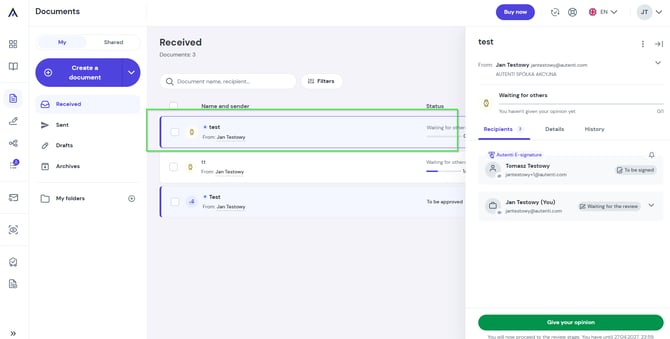
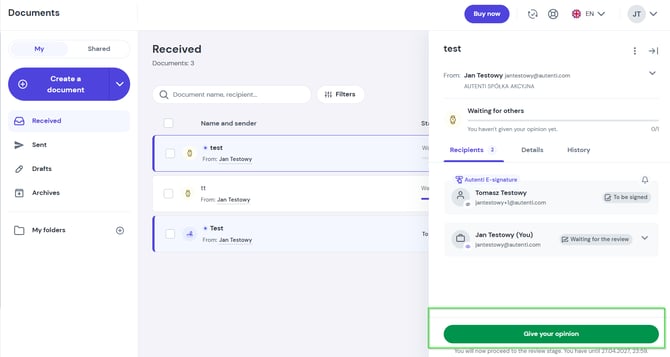
- Click the Give your opinion button.
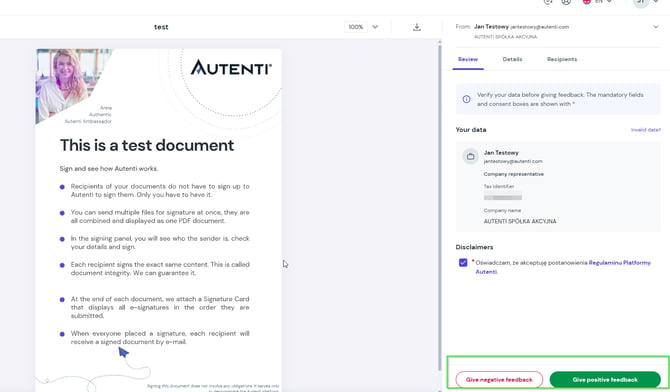
- Carefully read the contents of the document and choose your review type:
-
Give positive feedback - if you accept the content without objections.
-
Give negative feedback - if you have concerns or objections regarding the content.
-
- Add your explanation or feedback in the comment field.
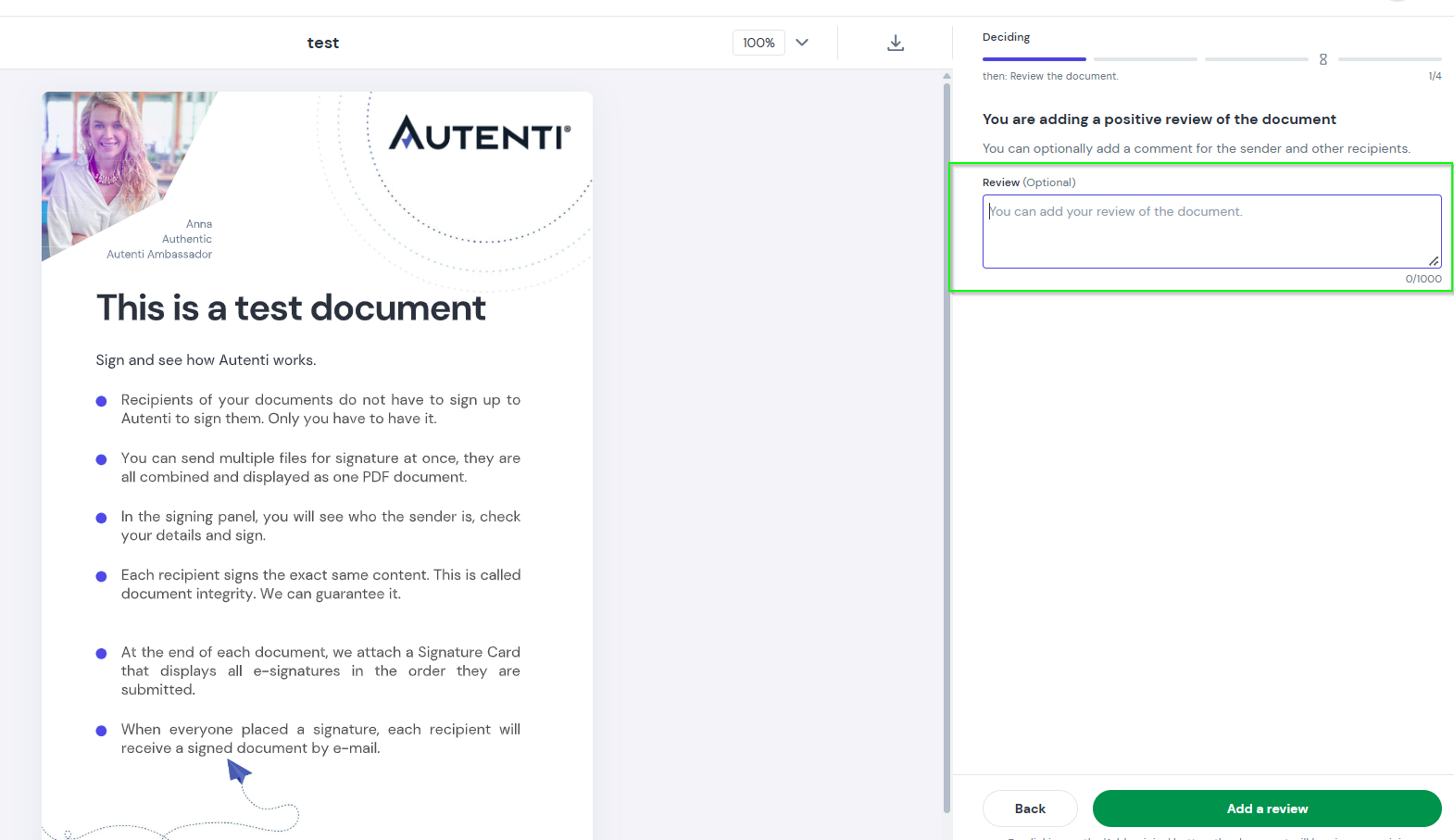
- Click Add a review to submit.
Done! Your review and comment are now saved and visible to the participants involved in the document process.